Remote Viewer (second phone)
Remote Viewer lets a second phone or tablet — a director, client or focus puller — watch the live picture of the phone that is connected to the camera, with the exposure readout and its own full set of monitoring tools (Z Field, False Color, 3D LUTs, focus peaking, waveform / parade / histogram / vectorscope, zebras, radar). It is view only: nothing on the viewer can change the camera. Up to 4 viewers per host, iPhone and Android in any combination.
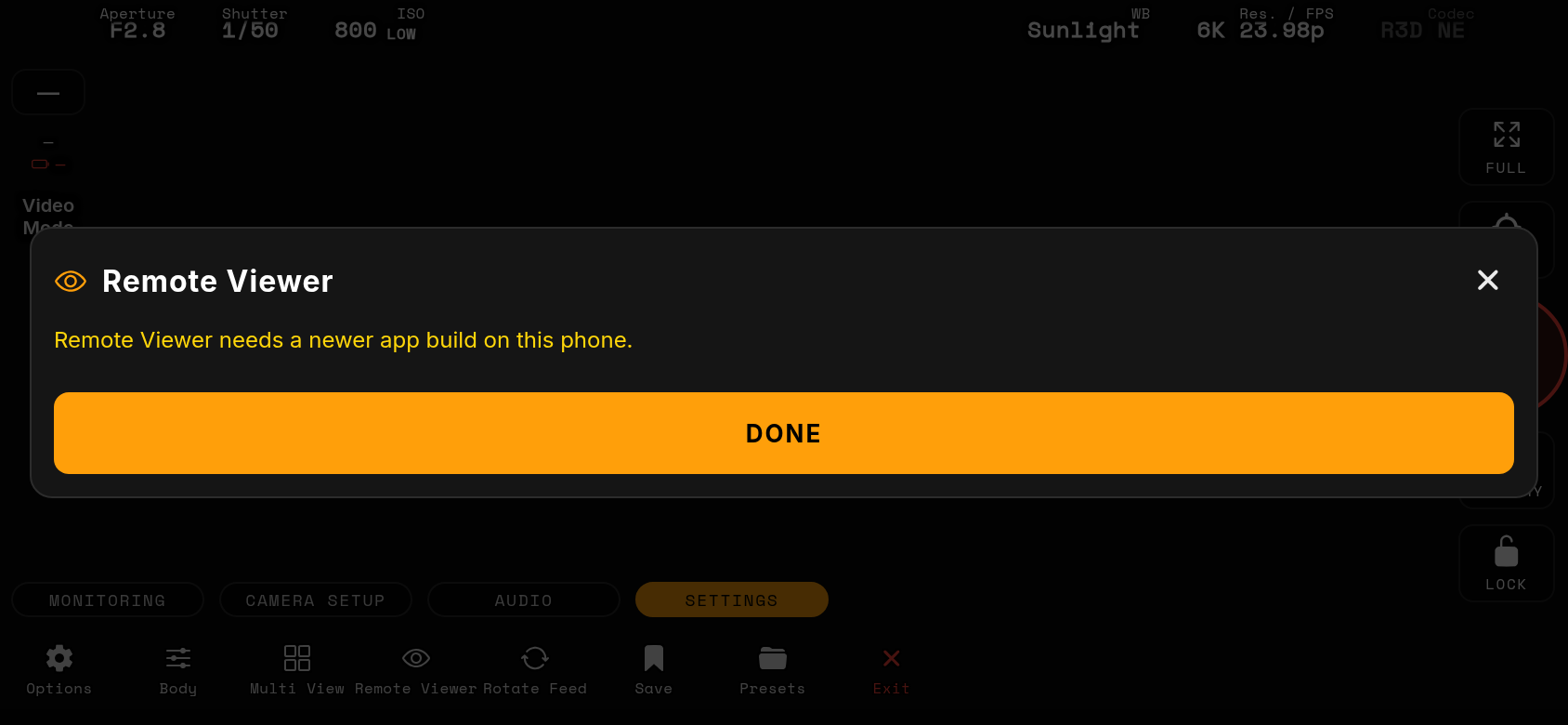
HOST (the phone on the camera): Monitor ▸ SETTINGS tab ▸ Remote Viewer. The window shows a QR code, the address and a 6-digit PIN, and lists every connected viewer with the feed it is watching. STOP SHARING ends the relay. Every Multi View window of the host is available to the viewers.
VIEWER: Connection page ▸ Multi View rig card ▸ Remote Viewer. Scan the host's QR code, or type the address and PIN. The monitor opens in REMOTE mode: the picture arrives through the same smoothed native pipeline as a camera, so all tools work exactly as on the host. With 2+ cameras on the host the viewer LANDS IN SPLIT — every camera as a native window, like a host session started in Multi View; the MULTI VIEW tab holds SPLIT and one chip per camera (name, LIVE / Cn, battery, REC dot). Tap a chip to see that camera full-screen; double-tap a window in the grid to move LIVE (and your tools) to it without leaving the grid; a single tap hides or shows the bar; long-press and tap another window to swap positions. Exposure chips and the exposure-program badge are plain readouts on a viewer (not tappable); only the MONITORING / MULTI VIEW / SETTINGS tabs, FULL, EXIT FS and the quick buttons act. Exit disconnects.
What the viewer shows and hides: the bottom HUD keeps only MONITORING, MULTI VIEW and SETTINGS — CAMERA SETUP, AUDIO and IMAGE SETUP need a camera link and are hidden, and in fullscreen the EXP / PZ / MF quick buttons are view only too. Options on the viewer offers DISPLAY and SYSTEM; VIDEO, PHOTO, STORAGE and NETWORK act on a camera and are hidden — both top-banner tables (video and photo) sit under Overlays & indicators there, and rows that describe the host's camera link (After connecting, AF overlay details, LV FPS readout, Camera name, Remembered cameras) are left out. S-Mo, Punch and the Exposure Meter tools are not offered on a viewer. The top banner mirrors the host: exposure program, aperture, shutter, ISO, WB, timecode, and the red REC badge with the camera's own elapsed and remaining time appear the instant the host rolls. Audio meters show the host's real L/R levels with the host's own peak-hold markers and clip latch (top segment solid red while the host saw an over). Focus, zebras, False Color and the other analysers run natively on the viewer's picture — no demo pattern.
Host side: a small eye row in the status box (top-left, under battery) counts connected viewers, the SETTINGS ▸ Remote Viewer button carries the same count, and a toast names each phone that joins or leaves. The Remote Viewer window rotates with the monitor (two columns in landscape). The address list never advertises VPN addresses.
Viewer status box: the relay LINK METER row reads e.g. 28fps 61K 13.4M — frames per second arriving, size of the last frame and link throughput in Mbit/s; green from 24 fps, amber from 12, red below, 0fps while nothing arrives. Options ▸ Overlays & indicators ▸ Show relay link meter hides it. If the host link is up but no picture arrives for 6 s the feed says HOST IS NOT STREAMING (host asleep, in Battery Saver with the feed paused, or its live view stopped).
Battery Saver on a viewer (triple-tap the feed): the screen goes black and the host stops sending frames to that phone — link and telemetry stay alive, the host's viewer list tags the phone PAUSED. Tap to wake: the feed says RESUMING… until the first frame is back. On the host, Battery Saver never pauses the live view while viewers are connected. When a viewer opens its Multi View grid, the host streams every connected camera to it even if the host itself stays in single view.
Network: both phones must be on the same Wi-Fi network, or the viewer joins the host phone's Personal Hotspot (the host keeps its camera link and cellular data). Only the selected feed streams by default; while the Feeds grid is open every feed streams at full rate and the host lowers the rate of the non-selected windows only when a viewer's link falls behind, restoring it as soon as it recovers. If the link drops, the viewer reconnects by itself; when the host taps STOP SHARING the viewer says so and returns to the Connection page. A VPN on the host (e.g. Tailscale) can stay on: the relay never listens through the tunnel.