
Z Field — Exposure Assist
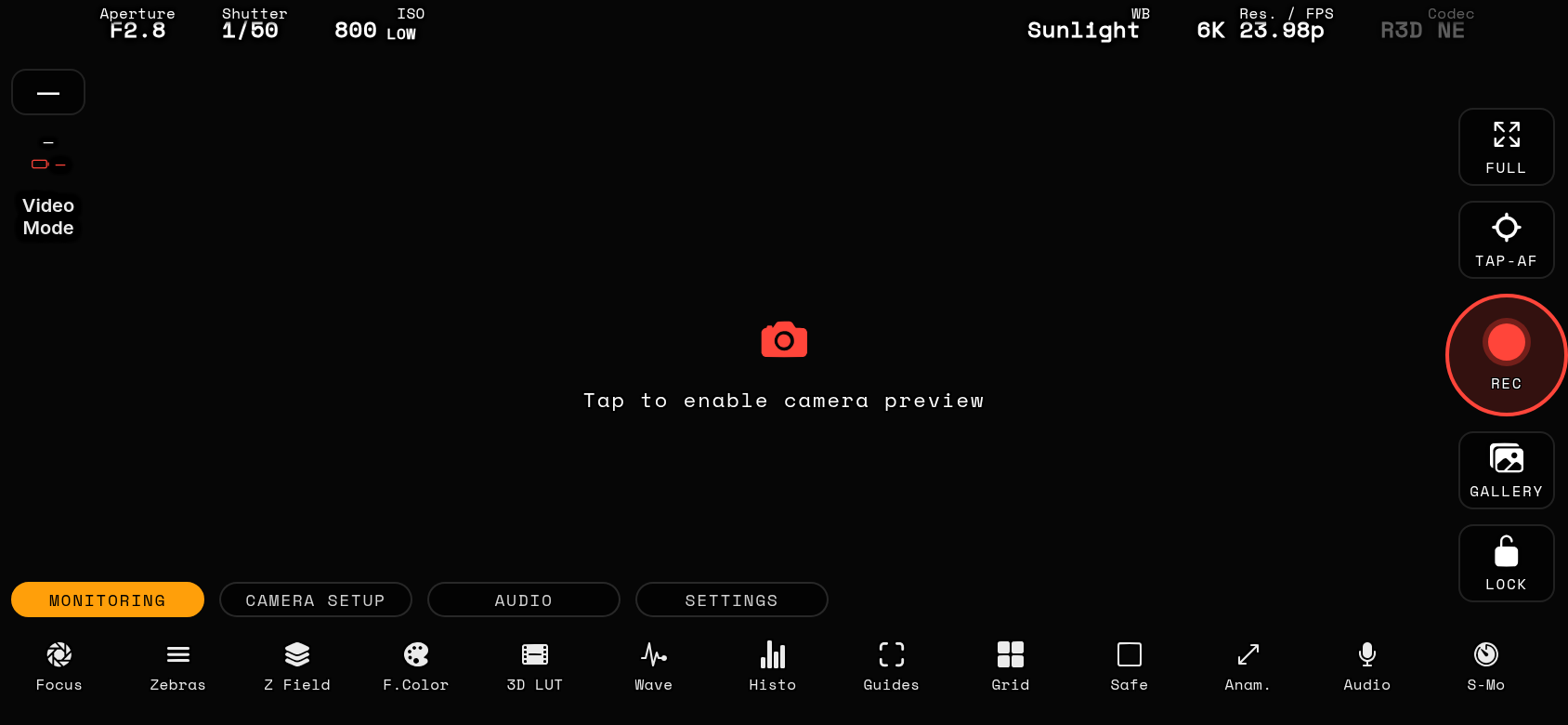
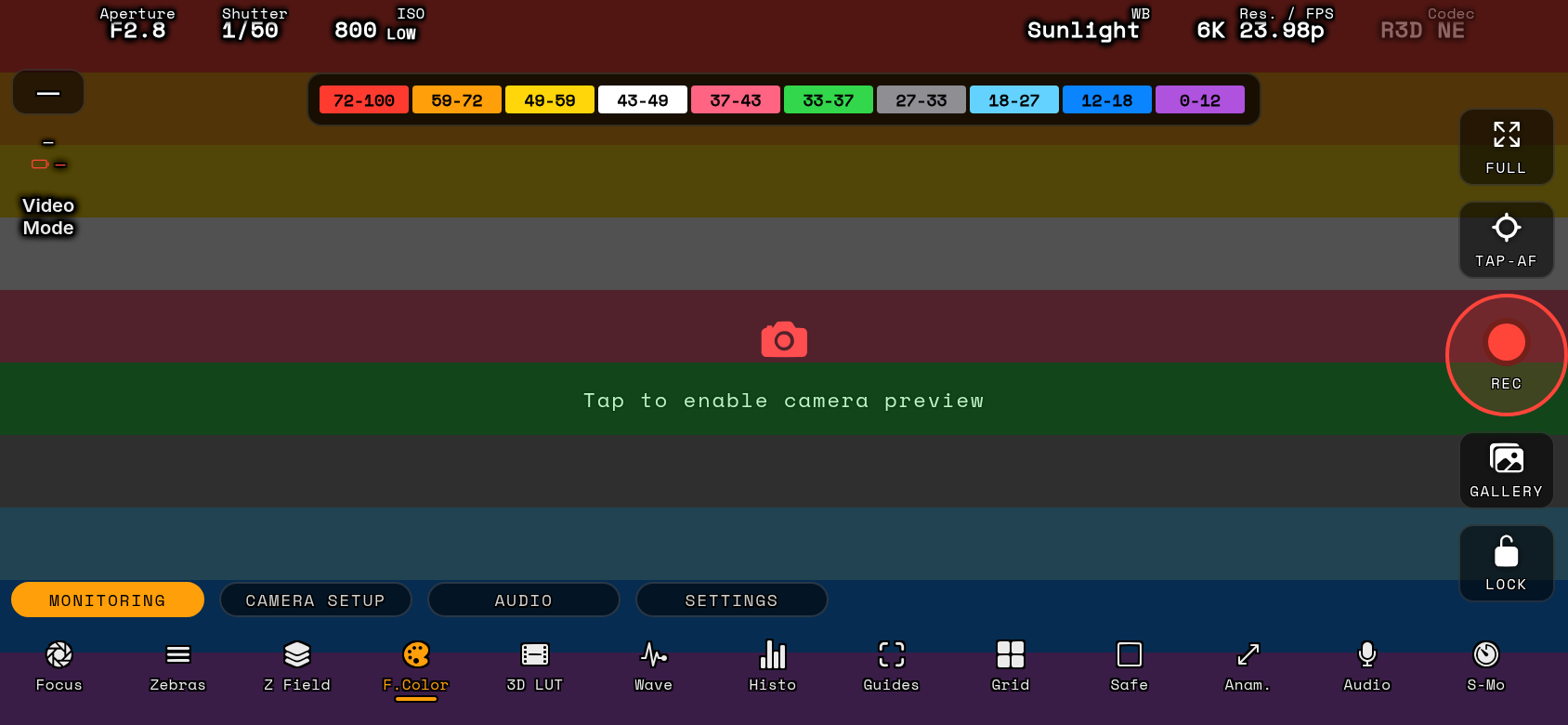
This feature converts the preview from your Nikon Z camera into an intuitive, false-color map. Instead of traditional 0–100% IRE levels, the app uses an independent mathematical formula to calculate exposure logarithmically based on dynamic range data, and 10-bit/12-bit RGB profiles. This universal method adapts automatically to protect your highlights and shadows across all camera formats and picture profiles. It relays on applying grayscale to the live feed and then mapping colors based on the brightness values in addition to data coming from waveform scope. Operators can map their own color profiles to custom IRE steps or camera luma values, allowing for precise, repeatable contrast and exposure management on set.
Its main features are: • Universal Compatibility: Works uniformly across all formats, including standard Picture Controls, N-Log and Log3G10. • Wi-Fi / USB-C Monitoring: Analyzes incoming data packets in real-time with zero lag or file degradation.
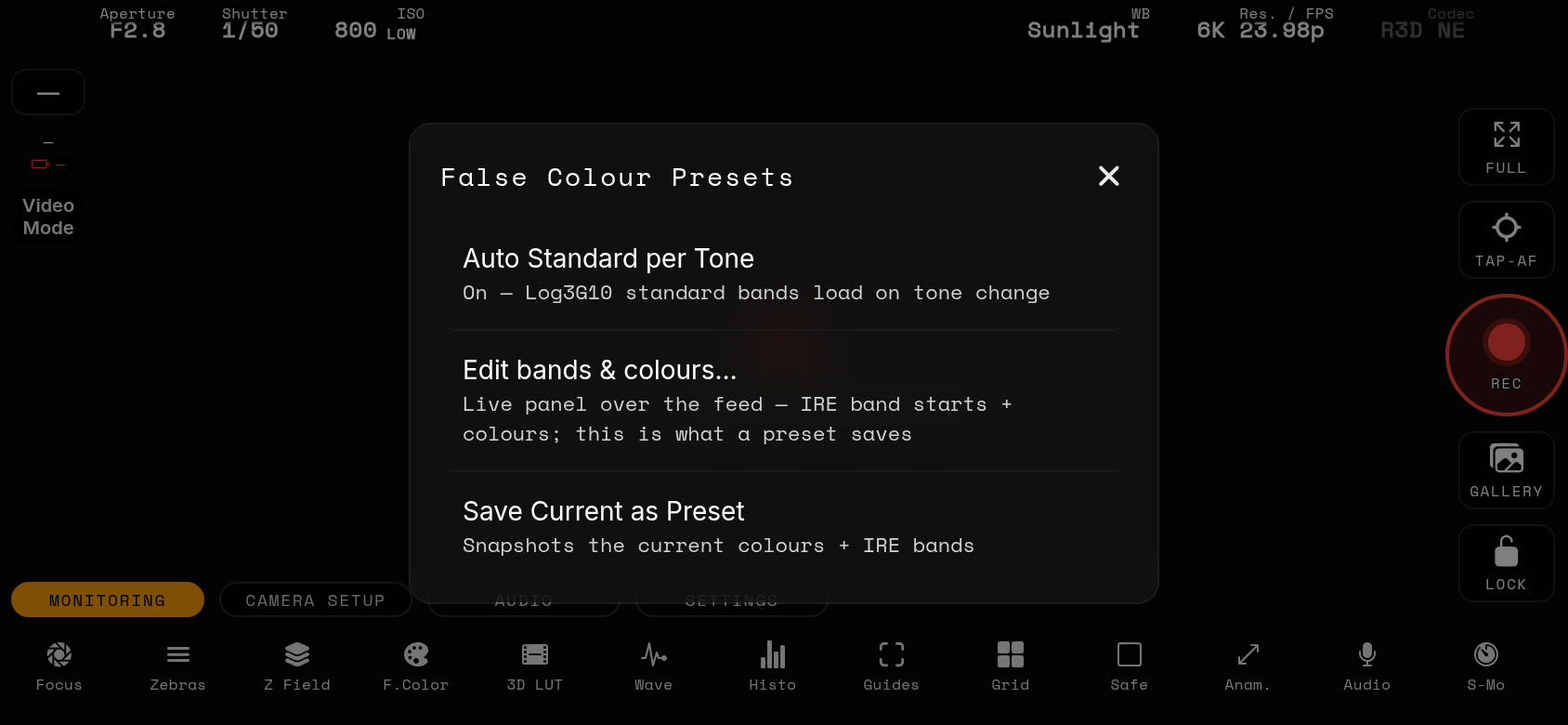
Colors and presets: long-press the Z Field tool → “Edit colours…” to recolor any stop live over the feed (stock Nikon Z palette, transparent to let the image show through, or a custom color), then “Save Current as Preset” to keep that palette. Presets load with one tap and can be renamed or deleted with a long-press. The legend position and opacity are in Options → Legend.