
Presets & Options
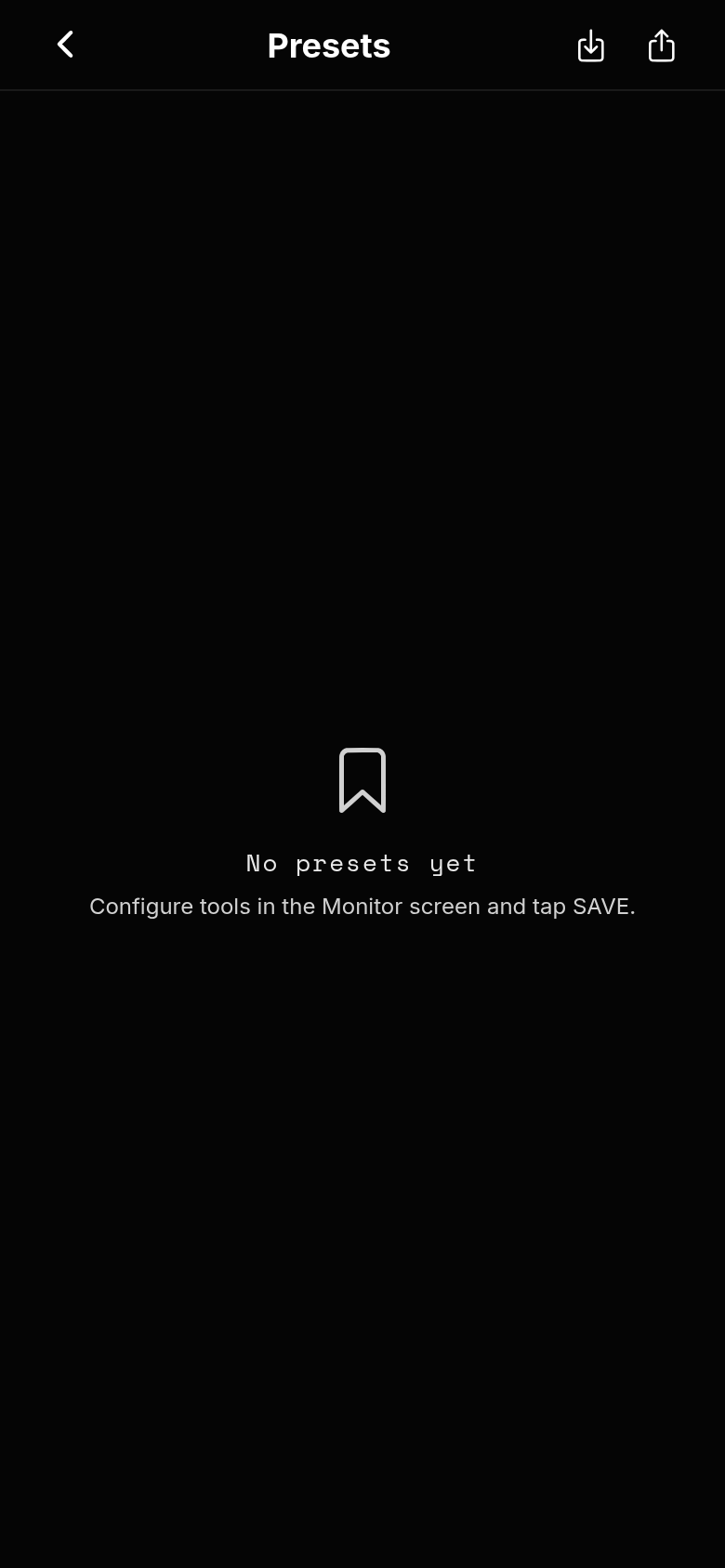
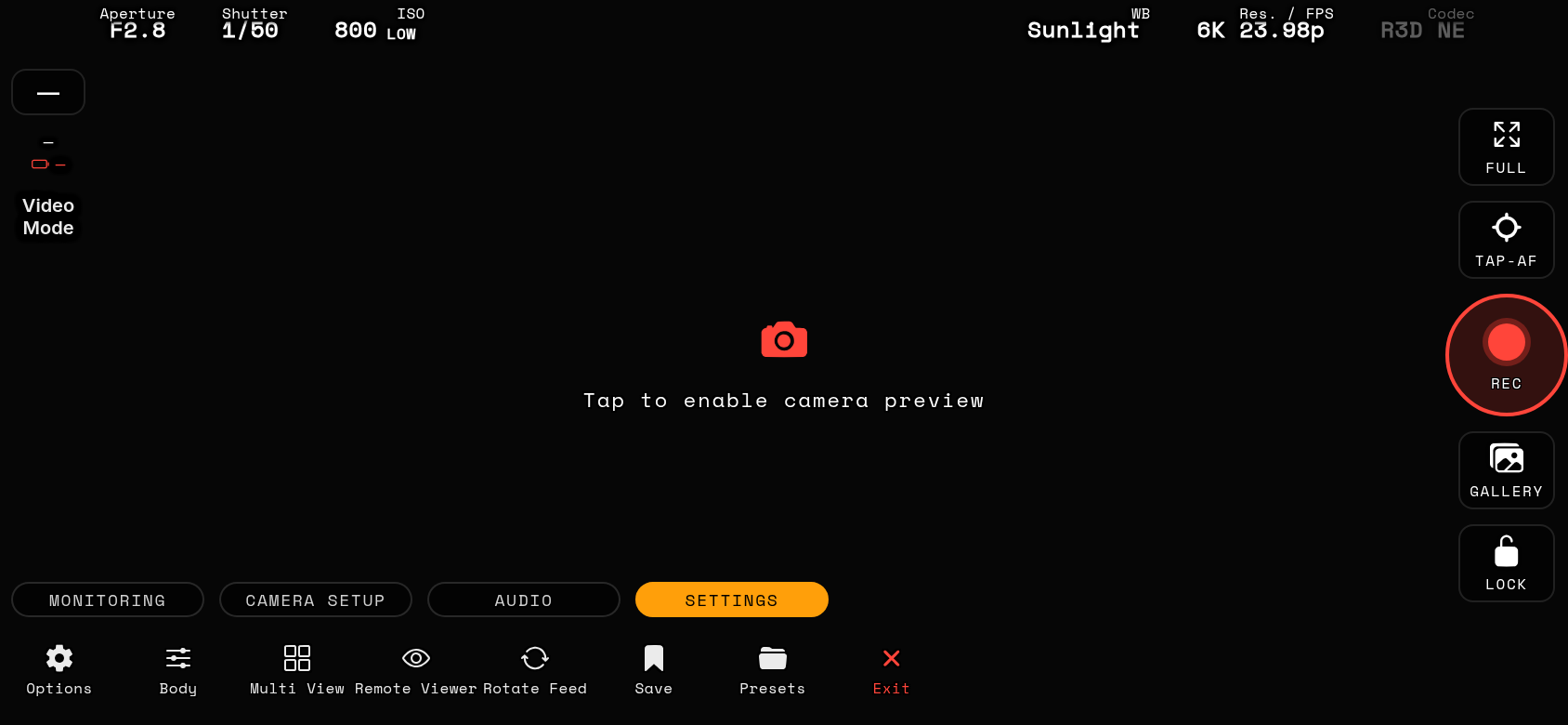
Save your entire HUD layout as named presets and switch between them per project — tap the pencil on any preset to rename it. A preset carries everything you configure in the app: tool states, colors (including the focus-peaking threshold and tuning, False Color bands and Z Field colors with their saved presets), window positions and sizes, scope settings, banner order and visibility (video and photo), AF overlay detail and eye badge, haptic feedback and strength, battery / signal display, gallery favourites, cache limit, live-view quality and network preferences — plus your Z Field SDR calibration table, so exported presets restore a complete setup on another phone. Camera names and the live video / photo selector are deliberately NOT part of a preset.
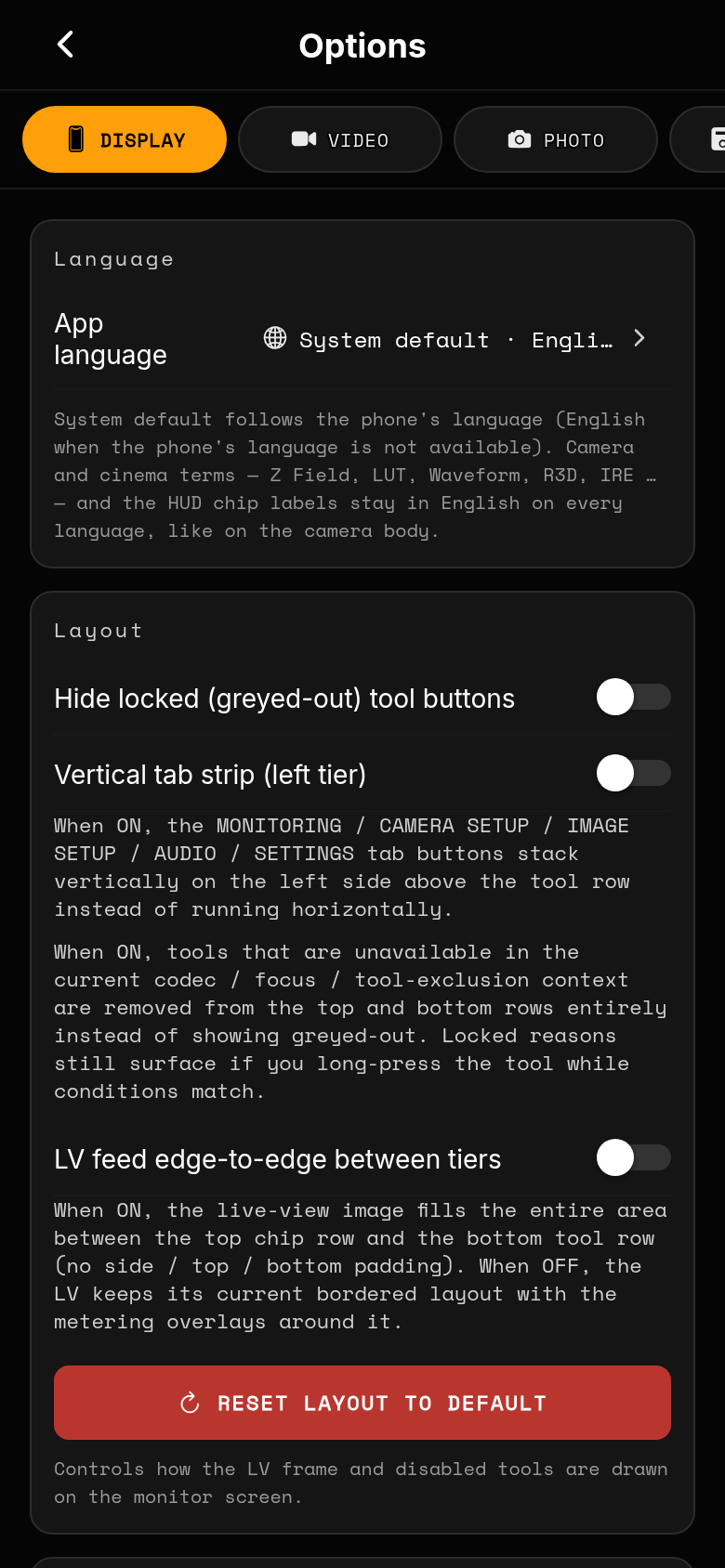
The Options screen (SETTINGS tab) covers display, storage, network and system preferences — accent colors, banner opacity, solid-black backgrounds, button visibility/order, AF overlay detail, haptics, feed smoothing (a jitter buffer for uneven networks, OFF by default) and more.
Display → "Clear the Dynamic Island / notch (landscape)" moves the left HUD stack, the right rail and the scope legend away from the camera cut-out. The side follows the phone's real rotation — including a quick 180° flip from one landscape to the other — on both iPhone and Android; the top banner chips always clear the island regardless of the toggle.
Housekeeping: Options → Storage shows both card statuses, the clip-cache LIMIT and CLEAR PLAYBACK CACHE, which removes clips and stills the Gallery has cached on the phone and frees the space instantly — nothing on the camera's cards is ever touched.
Language: Options → Display → Language. "System default" follows the phone's language (English when the phone's language is not one of the eleven available: English, Polish, German, French, Spanish, Italian, Japanese, Brazilian Portuguese, Simplified Chinese, Korean, Dutch). Camera and cinema terms — Z Field, LUT, Waveform, R3D, IRE, TC … — and the fixed HUD chip labels stay in English on every language, exactly like on the camera body. The change applies immediately, no restart needed; the guide search matches both the displayed language and the English terms.