
AF frames, subjects & eyes
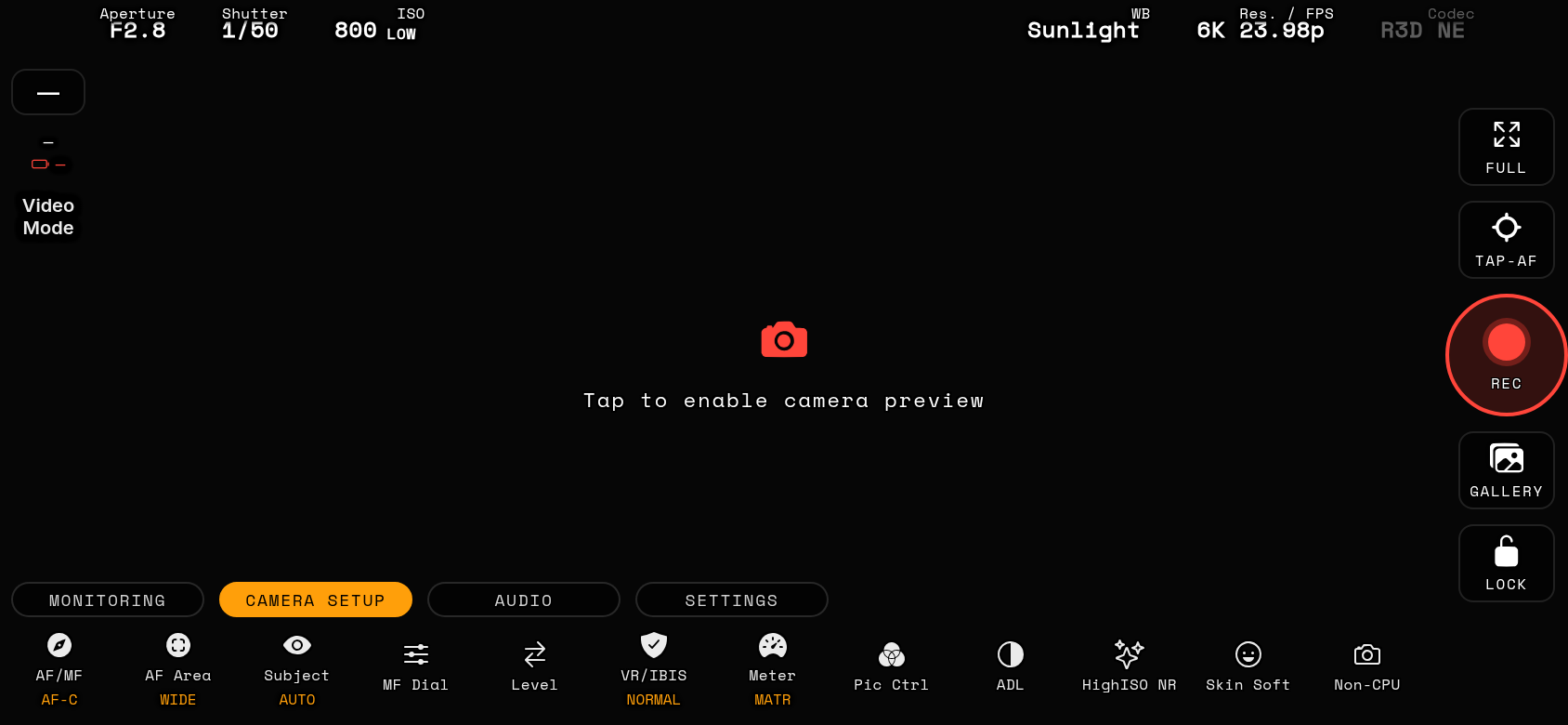
The app draws the body's own autofocus frames from the live-view stream, 1:1 with the camera screen. The ACTIVE AF frame is white while idle, GREEN when focus is confirmed and RED when the drive ended out of focus. Every other detected subject or eye is drawn in dimmed grey.
Dynamic-area AF (S / M / L)
As on the body's LCD, the selected AF point is drawn with its 8 assist points around it — close for S, one step further for M, two for L — in the same colour as the frame (red until focus is confirmed, green after). The dots disappear while an eye or face frame is nested in the point.
L / R eye badge
When eye detection is active a small L or R badge on the active frame tells you which eye the body chose. OFF by default — enable it in Options → Display → 'L/R eye badge on the AF frame'.
◁ ▷ subject / eye pill
A small pill with two arrows appears top-left when there is something to switch to — exactly like the body's multi-selector. With two or more people, ◁ ▷ jumps the AF to the previous / next person. With one person and both eyes detected, ◁ ▷ swaps to the other eye by moving the AF area onto it — the same thing as tapping that eye's rectangle, no TAP-AF press required. A light tick confirms your press, a Success buzz when the body actually switched. If the body has not moved to the target within 1.5 s the app re-sends the same command once; a Warning buzz means it still kept the old frame.
Tap-select & stop tracking
Tap any grey subject / eye frame to make it the active one. Long-press the feed to END tracking (the body's 'target tracking off'). Both work at every AF-overlay detail level. Note: in Auto-area AF the body can stop publishing its frame data to the app for a while after END tracking even though its own screen still draws frames — tap a subject or half-press on the body to bring them back.
AF overlay detail (Options → Display)
FULL: active frame + other subject / eye frames + eye badge + the ◁ ▷ pill. ESSENTIAL: only the active frame — the pill shows for a moment whenever the selection changes. FRAME ONLY: just the active frame, like a plain field monitor. 'Frame only while recording' (ON by default) drops to that level automatically as soon as REC starts.
Focus confirmation haptic
Body-beep parity: after a tap-AF the phone gives a Success buzz when the frame turns green and a Warning buzz when it turns red.